

Introduction
In the ever-evolving digital world, building websites that serve everyone is both a moral obligation and a strategic advantage. Web accessibility ensures that people with disabilities – including visual, auditory, motor, and cognitive impairments – can access and interact with online content effectively. Technologies continue to advance, and legal mandates have made accessibility a priority.
However, many web professionals overlook a crucial benefit: advanced web accessibility directly boosts Search Engine Optimization (SEO).
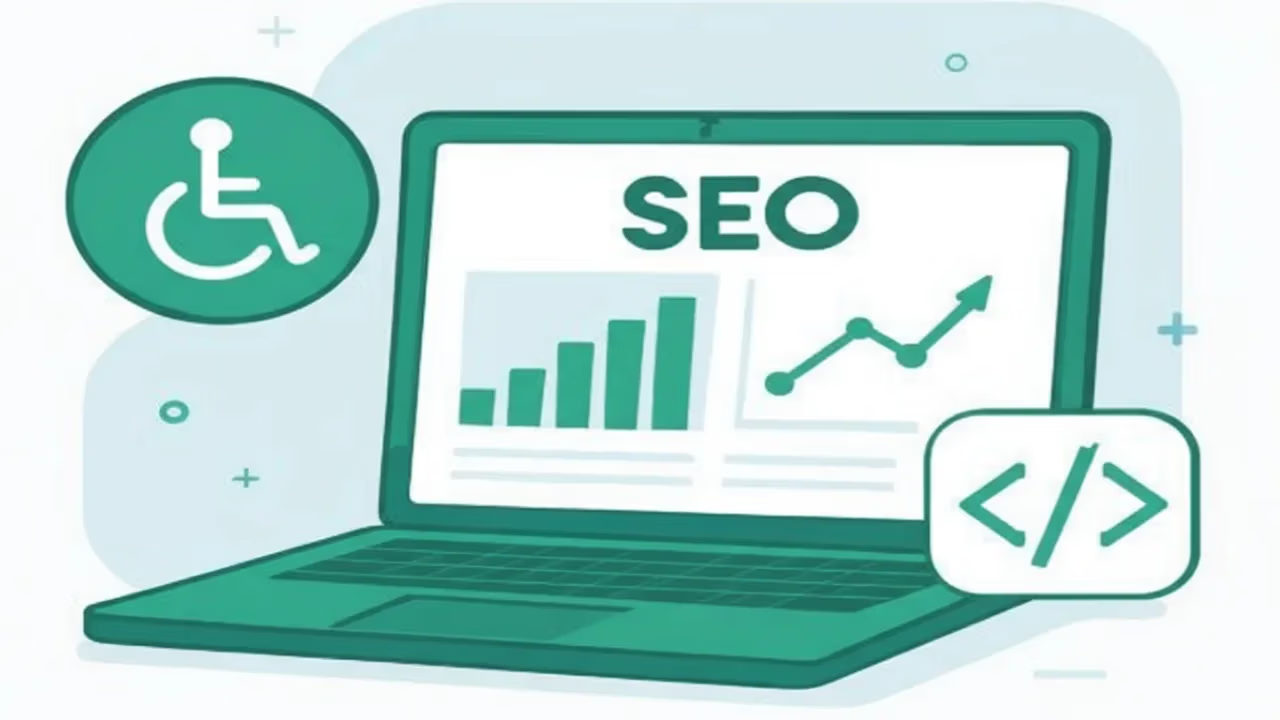
This article will provide an in-depth exploration into how implementing advanced accessibility features not only creates a more inclusive internet but also improves your site’s SEO performance. From semantic markup and keyboard navigation to multimedia captions and ARIA roles, accessible design practices contribute to better search engine rankings, increased user engagement, broader reach, and stronger brand credibility.
By the end, web developers, content creators, and digital marketers will understand why accessibility should be central to SEO strategies in 2025 and beyond.
What Is Web Accessibility? A Foundation for All Users
Web accessibility is the practice of designing and developing websites that everyone, regardless of their abilities or impairments, can use effectively. Accessibility benefits people with:
- Visual impairments, such as blindness, low vision, and color blindness.
- Hearing impairments, including deafness or hard of hearing.
- Motor difficulties, such as limited fine motor control or inability to use a mouse.
- Cognitive impairments, including learning disabilities, memory challenges, or attention disorders.
The Four Core Principles of WCAG
The Web Content Accessibility Guidelines (WCAG) provide a robust framework for creating accessible web content. These guidelines are built upon four essential principles:
- Perceivable: All users must be able to perceive the information presented. For instance, non-text content such as images or video needs text alternatives such as alt text or captions.
- Operable: Users must be able to navigate and operate all interface components using a variety of input methods, including keyboards or assistive devices like switches.
- Understandable: Information and the operation of user interfaces must be clear, consistent, and predictable to minimize confusion.
- Robust: Content should be compatible with current and future technologies, including screen readers and other assistive tools.
Accessibility Fosters Better User Experiences for Everyone
While aimed primarily at people with disabilities, accessibility improvements enhance usability for all visitors:
- Users browsing on outdated hardware or slow networks benefit from optimized images and clean code.
- Mobile users appreciate accessible touch targets and logical navigation.
- Older adults with changing vision or motor skills encounter fewer barriers.
- Multitasking users or those in distracting environments benefit from clear, concise layouts.
Accessibility is therefore a foundational element of universal design – important for user satisfaction, retention, and conversion.
The Intersection of Accessibility and SEO: Overlapping Goals
Though accessibility and SEO originated from different perspectives, they currently share numerous goals and techniques that create natural synergy.
Similar Objectives Include:
- Optimizing website structure for clarity and intelligibility.
- Enhancing content discoverability via structured markup.
- Improving site performance and load times.
- Delivering better mobile and multi-device experiences.
- Creating content that reaches broader, diverse audiences.
In essence, the best practices of accessibility fulfill many of Google’s criteria for high-quality SEO. Conversely, strong SEO often reflects well-implemented accessibility features.
Key Advanced Web Accessibility Features That Boost SEO
1. Semantic HTML5 Markup: The Backbone of Accessibility and SEO
Semantic HTML uses tags that describe the type of content inside them, such as:
- <header> for page or section headers.
- <nav> for navigation menus.
- <main> for the main content area.
- <article> for standalone content blocks.
- <section> for thematic groups of content.
- <footer> for page or section footers.
Benefits for Accessibility:
- Screen readers use these markers to help users quickly navigate and skip irrelevant content.
- Landmarks let users jump between content sections using keyboard shortcuts.
SEO Advantages:
- Search engines can pinpoint your page’s core content and its organization.
- Better content indexing leads to improved relevance signals for ranking algorithms.
Practical Tip:
Use semantic tags instead of generic `<div>` and `<span>` elements whenever possible. This improves both accessibility and SEO simultaneously.
2. ARIA Roles and Landmarks: Extending Semantics for Dynamic Content
While native HTML often suffices, ARIA (Accessible Rich Internet Applications) roles and landmarks supplement accessibility for custom controls and complex components like modal dialogs, accordions, or menus.
Example ARIA attributes:
- role=”banner” for site-wide headers.
- role=”navigation” for primary menus.
- aria-expanded=”true” to indicate state of expandable elements.
SEO Implications:
- Though primarily designed for assistive technologies, ARIA attributes contribute to clearer structural cues.
- Proper ARIA usage helps search bots interpret content relationships, particularly in rich web applications.
Best Practice:
Avoid ARIA overuse that conflicts with native semantic elements. First, rely on HTML5 semantics, then enhance with ARIA for non-standard UI elements.
3. Keyboard Accessibility and Focus Indicators: Inclusive Navigation
Many users with disabilities rely exclusively on keyboards or assistive input devices to navigate web pages.
Key features:
- All interactive elements (links, buttons, forms) must be navigable via keyboard (usually Tab, Shift+Tab, Enter, Space).
- Visible focus outlines show users what element is active.
- Logical tab order matching visual layout enhances usability.
SEO Connection:
- Improved user experience reduces bounce rates and increases time spent on site, impacting SEO positively.
- Sites with keyboard traps or inaccessible controls frustrate users, harming engagement metrics.
Testing Tip:
Regularly test keyboard navigation by tabbing through your site without a mouse, verifying clear focus styles and access to all functions.
4. Alternative Text for Images: Descriptions with SEO Richness
Images convey content and meaning visually, but people using screen readers require text alternatives via the `alt` attribute.
Accessibility Benefit:
- Screen readers read alt text aloud, enabling visually impaired users to understand the image content.
SEO Benefit:
- Alt text provides search engines with meaningful descriptions that enhance image SEO.
- Optimized alt attributes can boost rankings in image search results.
Writing Effective Alt Text:
Keep it concise yet descriptive: “Golden retriever puppy playing in a park,” not “dog.”
- Include keywords naturally if relevant.
- Avoid keyword stuffing or repetitive phrases.
- For decorative images, use empty alt=”” to ensure screen readers skip them.
5. Captions and Transcripts for Multimedia: Widening Reach
Video and audio content are rich but inaccessible without text alternatives.
Accessibility:
- Captions serve deaf or hard-of-hearing users.
- Transcripts offer text versions for screen readers and users in noisy or quiet environments.
SEO:
- Captions and transcripts provide additional crawlable text, expanding keyword opportunities.
- Video captions increase the likelihood of appearing in rich snippets or video carousels.
Implementation Tips:
- Use professional captioning services to ensure accuracy.
- Provide synchronized captions for better user experience.
- Include full transcripts alongside multimedia content.
6. Adequate Color Contrast and Visual Design: Accessible and Readable
WCAG recommends a contrast ratio of at least 4.5:1 between text and backgrounds to ensure readability. Proper color contrast helps users with low vision or color blindness.
SEO Advantages:
- Improved readability reduces bounce rates and increases page engagement.
- Better UX contributes indirectly to SEO rankings.
Design Guidelines:
- Use tools like the WAVE color contrast checker or WebAIM contrast checker to verify ratios.
- Avoid relying on color alone to convey meaning; supplement with text or patterns.
7. Responsive and Mobile-Friendly Design: Accessibility Meets Mobile SEO
Given the rise of mobile searches, responsive design is crucial. Accessibility principles align with mobile usability by emphasizing:
- Scalable fonts for readability.
- Touch-friendly target sizes.
- Clear navigation and content hierarchy.
SEO Importance:
- Google prioritizes mobile-friendly sites with its mobile-first indexing.
- Accessible mobile experiences improve user metrics, impacting rankings.
8. Voice User Interface (VUI) Compatibility: Future-Proofing SEO
Voice search and screen reader use are growing. Ensuring your site content and navigation work seamlessly with voice commands and screen readers is an important accessibility and SEO frontier.
- Use concise, natural language.
- Organize content to facilitate voice query responses.
- Structure FAQs and key info in easily parseable formats.
How Accessibility Improves SEO: Deeper Exploration
Here are explanation about how accessibility improves SEO:
Enhanced Crawlability: Search engine bots benefit from clean, well-structured HTML enriched with accessibility features:
- Semantic tags and ARIA help bots parse meaning.
- Faster parsing leads to more efficient crawling and indexing.
Richer Keyword Context: Alt text, captions, and transcripts represent hidden SEO treasures by adding:
- Additional keywords naturally embedded.
- Contextual relevance for multimedia indexing.
Improved Engagement Metrics: Accessibility fosters better UX that lowers bounce rates and increases:
- Session duration.
- Pages per session.
- Repeat visits.
Such behavioral metrics strongly influence SEO rankings.
Mobile Usability Alignment: High accessibility coincides with mobile-friendliness, both essential given:
- Growing mobile traffic.
- Mobile-first indexing.
Compliance and Trust: Meeting accessibility standards builds credibility, signals professionalism, and earns:
- Positive brand reputation.
- Increased branded searches.
These social signals indirectly benefit SEO.
Tools to Audit and Monitor Accessibility and SEO
- Google lighthouse: Free integrated reports for SEO, accessibility, performance.
- WAVE Accessibility Tool: Visual insights on accessibility issues per page.
- AXE: Developer-friendly accessibility scanner.
- SEMrush Site Audit: SEO audits with accessibility checks.
- Screaming Frog SEO Spider: Crawl and analyze site for SEO and accessibility metrics.
Real-World Examples and Case Studies
Here are some real world examples and case studies:
Retail Industry: An eCommerce brand’s accessible product pages with proper alt text and semantic markup:
- Saw image search traffic increase by 25%.
- Improved conversions by 10% due to better usability.
Media Sector: A media company added captions and transcripts to all videos:
- Organic video search improved by 20%.
- Time on site increased by 15%.
Corporate Websites: A corporation prioritised ADA compliance to avoid lawsuits:
- Enhanced brand reputation.
- Increased organic brand searches.
Practical Workflow to Implement Accessibility for SEO
Here are some useful tips to implement accessibility for seo:
1. Accessibility and SEO Audit:
- Use automated and manual testing.
- Identify critical accessibility and SEO issues.
2. Prioritize Fixes:
- Address biggest impact items first — alt text, keyboard navigation, color contrast.
3. Development and Content Creation:
- Train teams on accessibility principles.
- Integrate accessibility into content workflows.
4. Testing with Assistive Technologies:
- Validate with screen readers (e.g., NVDA, JAWS).
- Use keyboard and voice navigation.
5. Continuous Improvement:
- Monitor via audits.
- Stay updated with evolving standards.
Final Verdict:
Web accessibility and SEO are deeply intertwined disciplines that build a better, more inclusive web. Implementing advanced accessibility features not only creates equitable experiences for all users but also generates tangible SEO benefits: improved crawlability, richer content, better engagement, and enhanced mobile usability.
As digital expectations evolve, integrating accessibility into SEO strategies becomes a critical competitive advantage. Organizations should embrace accessibility not just as compliance, but as a key driver of sustainable search visibility and user loyalty.
Frequently Asked Questions:


3 thoughts on “The SEO Benefits of Implementing Advanced Web Accessibility Features In 2025”
Excellent
Thanks for visiting our website ☺️
Excellent work 👏 👍